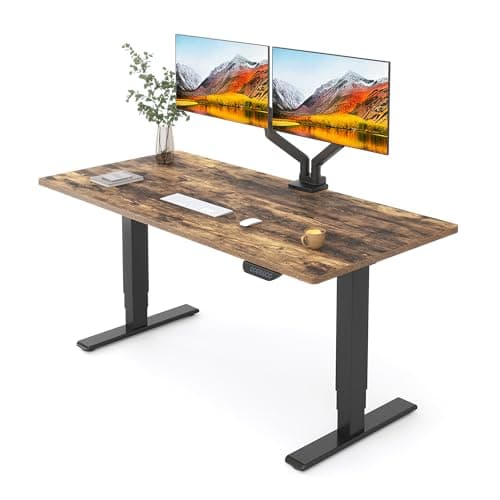
If you want one heavy-duty standing desk, buy the FlexiSpot E6 MAX. FlexiSpot rates it at 330 lb, which is the highest published figure on any complete desk we rank, and it is attached to three-stage legs and a heavier frame rather than to a marketing line — the stiffness is the point, and the extra leg stage is also what gives a tall user travel most desks cannot. If you want the load figure to come with a document and a term, the Branch Duo 48 states 275 lb, states a BIFMA position in writing and carries a ten-year warranty. And if the real load is a solid-wood slab, stop shopping for desks: the FlexiSpot E6 Max frame takes your own top and costs less than the complete desk. The budget pick is the HUANUO brushless frame, the cheapest thing here that will hold a large top at all. Every price is read from the Amazon Creators API and carries the date it was read.
One thing to get straight before the picks: not one product on this page has had its load tested by a third party that publishes the result.Every figure below is the manufacturer's own. BIFMA writes the strength, stability and durability standards for office furniture, and a maker can state that a desk meets them — as Branch does — without an independently issued mark. So treat every number here as a ceiling to stay well under, not a target to approach, and read the brand's wording rather than the badge in the photograph.
What actually makes a desk heavy-duty
Leg stages, not motor count. A three-stage leg has two telescoping sections instead of one. At standing height a two-stage leg is extended further for the same height, and the longer the unsupported column, the more it moves when you type. Three stages is the single structural difference that correlates with a desk that feels solid at the top of its travel.
Two motors, for level rather than for strength. The second motor matters most on a long top: one motor driving both legs through a crossbar will rack a wide, loaded desk at one end. It is a straightness feature more than a capacity feature, which is why both frames here are dual-motor and why single versus dual motor is worth reading before you pay for it.
The top, which is usually the weakest part. A 330 lb frame under a 40 lb laminate panel is not a 330 lb desk. Laminate over engineered wood sags over a long unsupported span long before a steel frame complains. If your load is genuinely heavy — three monitors on a clamped arm, a heavy audio interface, a CRT — the honest build is a frame plus a solid top, and that is why two of the five picks here are frames with no top at all.
Clamp depth, which nobody thinks about until the arm arrives.A heavy monitor arm clamps to the rear edge of your desktop. Check the arm's clamp range against your top's thickness before you buy either — monitor arms for ultrawide and heavy monitors goes through the figures.
Who each pick is for
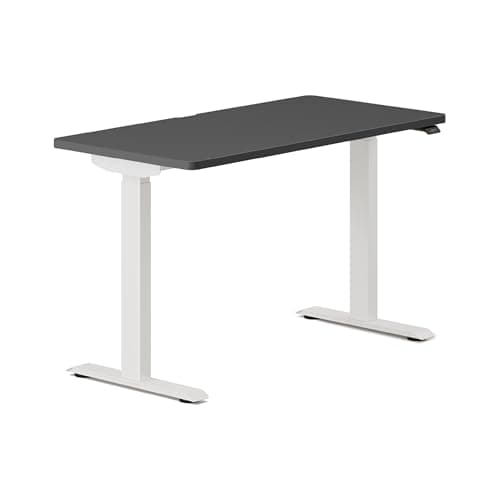
- FlexiSpot E6 MAX (55 by 28) — the default heavy-duty complete desk. A FlexiSpot-stated 330 lb rating on a stiffer frame with three-stage legs, in a 55 by 28 top. Buy it for a loaded multi-monitor workstation, or because you are tall and want the travel.
- Branch Duo 48 by 24 — the documented one. Branch states 275 lb, states that the Duo meets the BIFMA standard for commercial-grade use, and warrants the desk for ten years. Buy it if you want the load claim to come with a term attached.
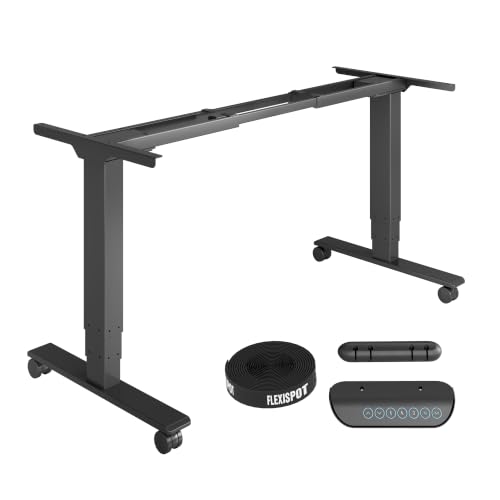
- FlexiSpot E6 Max frame (frame only) — the slab frame. Rated well above the standard E6 frame, dual-motor, three-stage. Buy it if your plan is butcher block, solid hardwood or a door, and only if your top is over about 50 lb.
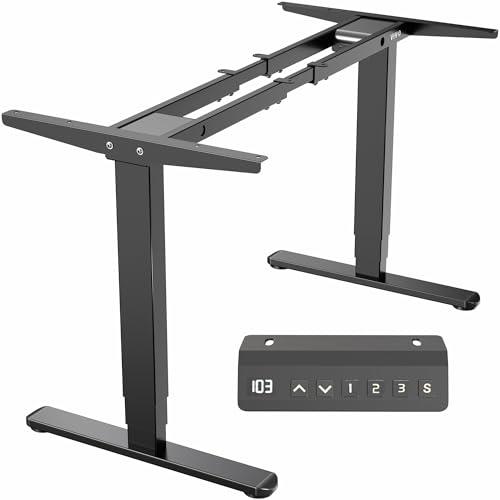
- VIVO dual-motor frame (40 to 85 in tops) — the long-span frame. The widest top range here, with two motors to keep a long heavy surface level instead of racking. Buy it if your existing top is longer than a normal desk.
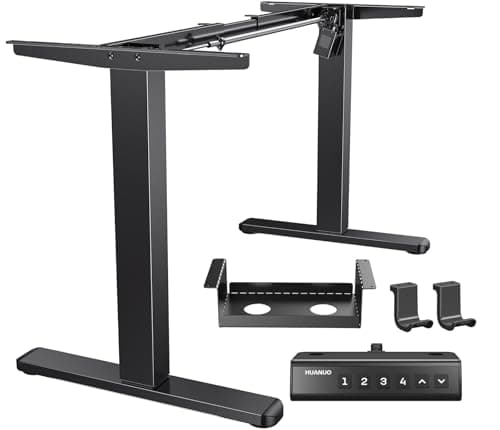
- HUANUO brushless frame (budget pick) — the cheapest route to a large top, stated to take up to 75 by 35 inches, with a brushless motor that runs noticeably quieter than the brushed motors in most budget frames. Buy it for a shared room.
The honest trade in each one
The E6 MAX is overkill for one monitor.FlexiSpot's own framing is that this is the heavy version, and if you are average height with a laptop and a single screen you are paying for frame stiffness you will never load. It is also heavier to assemble and to move. No emissions certificate is published for it, same as the rest of the FlexiSpot line.
The Branch Duo 48 has the lowest capacity on this page, and only two presets. 275 lb is a real figure and it is the smallest one here. Twenty-four inches of depth is also shallow for two monitors — depth, not width, is what runs out first. And the top is laminated MDF with no emissions certificate, which is striking given that Branch does publish GREENGUARD Gold for its chair.
Both frames are not desks.You need a top, you need it drilled, and a two-person assembly. The E6 Max frame is over-specified and over-priced for a 40 lb laminate panel; the VIVO's 40-to-85-inch span is more than most people need and you pay for it, and VIVO publishes no certification of any kind, including load testing.
The HUANUO frame is the least proven thing here.Its capacity figure is the seller's own, and there is far less owner history behind the brand than behind FlexiSpot or VIVO if a motor fails in year three. Buy it because the room is shared and the noise matters, not because the number is big.
What we would actually buy
For most people asking this question, the answer is the E6 MAX and a sensible load. For the minority who genuinely need a heavy desk — a thick solid top, three screens on clamped arms — buy the E6 Max frame and a slab, and put the money you saved on the complete desk into the top. That route also solves the material question this whole hub keeps running into, because a solid or certified top is something you can choose and a bundled laminate one is not; non-toxic standing desks is the longer argument and standing desk frames is the full frame set.
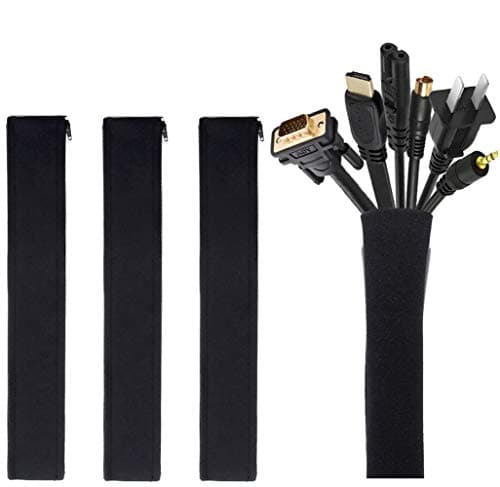
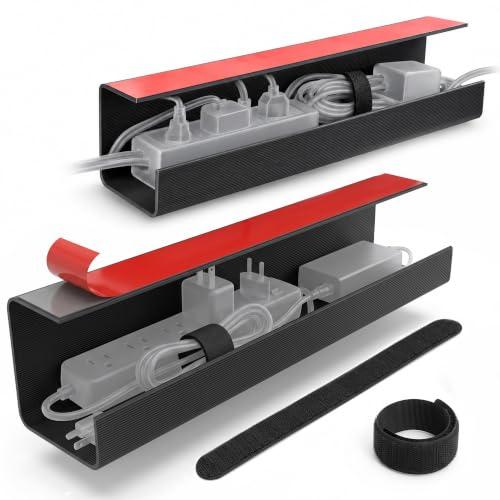
One more thing worth saying on a page about load: a desk that is stiff enough to carry three monitors is also a desk heavy enough that you will stop raising it if the cables fight you. Sort that out at the same time — standing desks with cable management and our cable-management picks — and check the capacity question properly on standing desk weight capacity.
Before you buy
How to buy a desk that will actually carry the load
1. Weigh what you are actually putting on it
Two 27-inch monitors, an arm, a laptop, a dock and a lamp come to well under 100 lb. Most people asking for a heavy-duty desk are nowhere near any published rating, and the real complaint is wobble rather than capacity. Wobble is a leg-stage problem, not a capacity problem.
2. Count leg stages before motors
Three-stage legs are extended less far at standing height than two-stage legs, which is the structural reason a three-stage desk feels steadier at the top of its travel. Motor count decides whether a long top stays level, not how much it holds.
3. Treat every capacity figure as the maker's own
No product on this page publishes third-party load testing. BIFMA writes the standards; a manufacturer statement that a desk meets them is not the same as an independently issued mark. Stay well under any stated number.
4. Check the top, not just the frame
Laminate over engineered wood sags across a long unsupported span well before a steel frame does. If the load is real, a solid top on a bare frame is the stronger and usually cheaper build.
5. Measure your desktop thickness against your monitor arm's clamp
Heavy arms have a stated clamp range, often somewhere between about 0.4 and 2.4 inches. A thick slab can be too thick. Confirm both numbers before either arrives.
6. Plan the cables for the full travel
A loaded desk moves 18 inches with everything plugged into it. A tray and a sleeve cost a fraction of the desk and are the difference between a desk that keeps moving and one that gets parked.