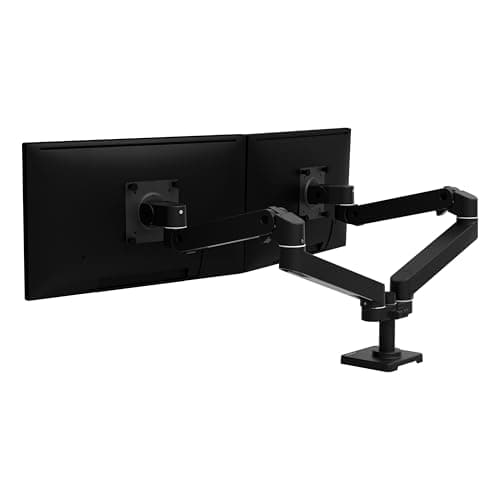
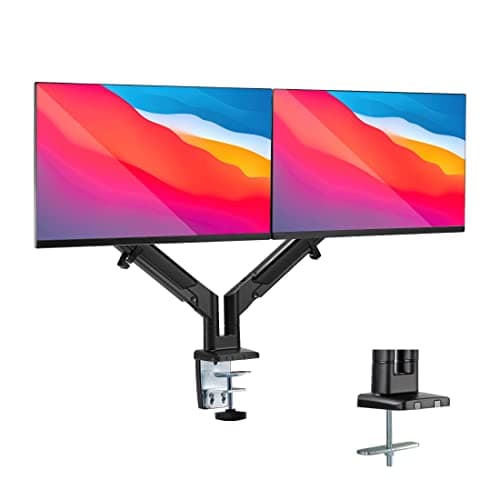
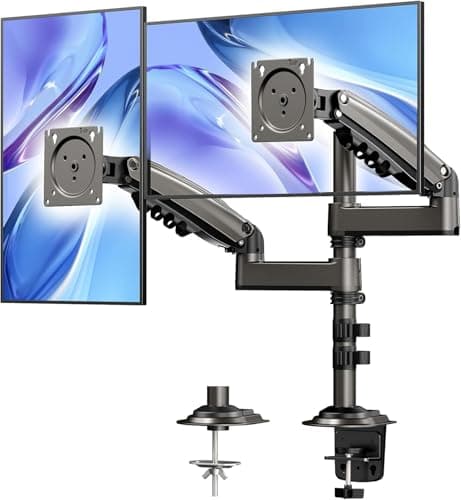
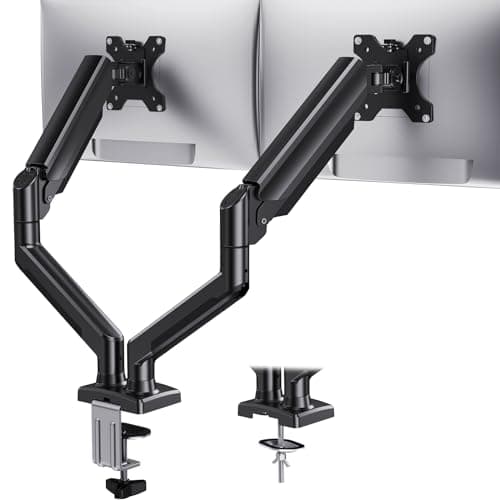
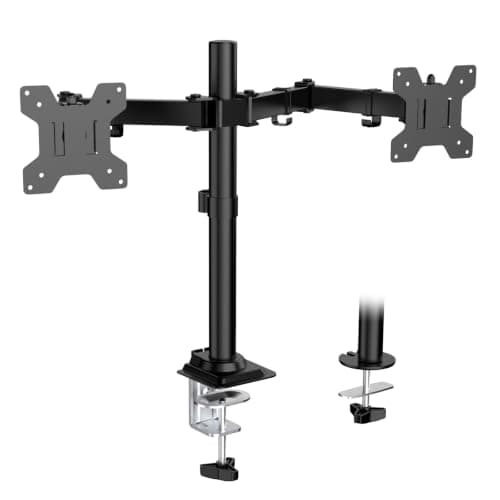
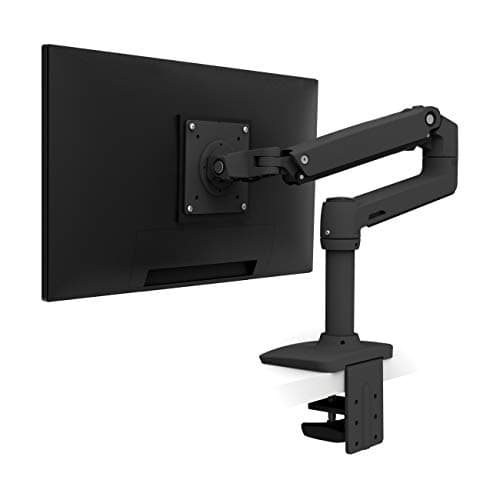
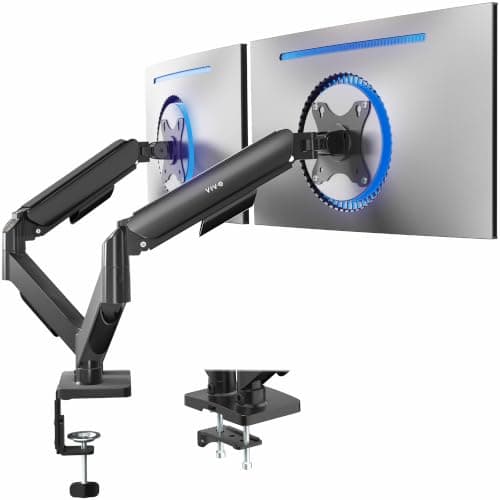
Buy the VIVO dual arm if you want the most useful upgrade per dollar on a desk, and the Ergotron LX Pro Dual if the setup is permanent and you never want to think about it again. The split is simple: mechanical springs are cheap and need occasional re-tensioning; gas springs move smoothly one-handed and cost more. Everything else follows from that.
Why two screens on their own stands is the worst common setup
A monitor stand puts the screen at whatever height the manufacturer chose, which is almost always too low — the top of the panel ends up well below eye level, and your head tips forward to meet it. With two screens the geometry compounds: the stands force a gap between the panels, they push both further back on the desk than necessary, and the whole arrangement is fixed.
OSHA's workstation guidance puts the top of the screen at or slightly below eye level, at roughly arm's length. An arm is the only way to get two screens there and to keep them there when you raise the desk to standing height — where, incidentally, your eye height changes by several inches and a stand-mounted monitor becomes wrong all over again. On a sit-stand desk an arm is not an accessory; it is what makes the standing half of the day usable.
Gas spring or mechanical spring
- Gas spring. Move it with one finger, it stays where you put it. This is what you want if you reposition screens between sitting and standing, or if you rotate one to portrait for reading. Gas cylinders do slowly lose tension over years, and cheap ones lose it faster.
- Mechanical spring. A coil spring tensioned with an Allen key against a specific monitor weight. Cheaper, entirely reliable at holding a fixed position, and mildly annoying every time you change a monitor. For a set-and-forget desk this is the sensible buy and the reason our top pick is one.
- Constant-force (Ergotron). A different mechanism again, and the reason the LX has been the reference product for years — it does not sag, and Ergotron backs it with a ten-year warranty. You are paying for the decade.
Side-by-side or stacked
Most people want side-by-side. It is the standard for a reason: both screens stay near eye level and neither requires you to look up.
Stacked arms exist for narrow desks, and they involve a real compromise — the upper screen sits above eye level, which is a neck position you do not want to hold. The rule if you stack: primary screen on the bottom, reference screen on top, and only glance at the top one. Our dual monitor ergonomics guide works through the placement question properly, including the more important decision of whether to run a primary screen or two equal ones.
One sizing warning specific to dual arms: published ratings in this category are per-arm and lower than the same maker's single-arm ratings, so a dual arm is usually the wrong product for a big panel. If one of your screens is a 34-inch ultrawide, read monitor arms for ultrawide and heavy monitors before you buy a dual arm you will have to send back.
All of this assumes an arm rather than a pair of risers, which is the right assumption for two screens but worth confirming if you are starting from scratch — the arm-or-riser decision, VESA included, is in monitor arm vs monitor stand.
The three checks before you order
- VESA pattern. Your monitors need mounting holes, and they need to be the right spacing — usually 100×100 mm, sometimes 75×75 mm on smaller panels. Some consumer monitors have no VESA holes at all and need a separate adapter bracket. Check the back of the screen before you buy anything.
- Weight per arm. Published capacity is per arm, and it is a range with a minimum as well as a maximum — a very light monitor on an arm tensioned for a heavy one will drift upward. Weigh your screens or look up the spec; do not estimate.
- Desk edge and thickness.C-clamps need a clear, accessible edge and a desk within the clamp's thickness range. This is where desks with drawers cause problems, and where a grommet mount — through a hole in the desk — is sometimes the only option. On a thin or hollow top, use the reinforcement plate if one is supplied.
Standing desks add one more consideration
Weight and leverage. Two monitors on an arm clamped to the front edge is a meaningful cantilever load, and on a sit-stand desk it is the load that shows up as wobble at full height. The fixes are the ones in our wobble guide: clamp near a leg rather than at the far end, keep the arms retracted rather than fully extended when you are not using the reach, and be honest about whether a two-leg desk is enough frame for the load.
There is no material question worth raising in this category — these are steel and aluminum objects with powder-coat finishes, no foam, no laminate and nothing to off-gas. It makes a pleasant change, and it is why the scoring here is about mechanics rather than certificates.