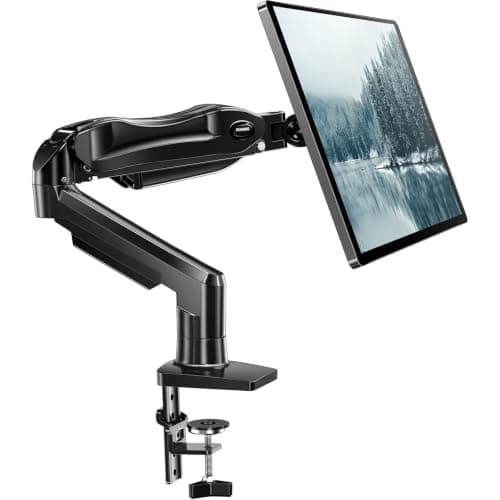
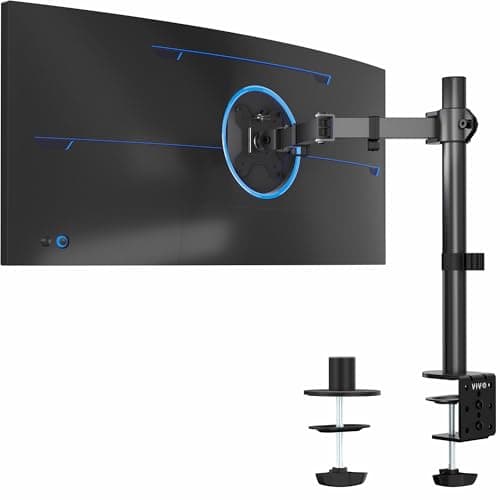
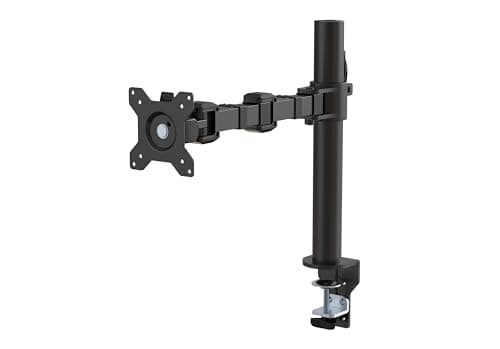
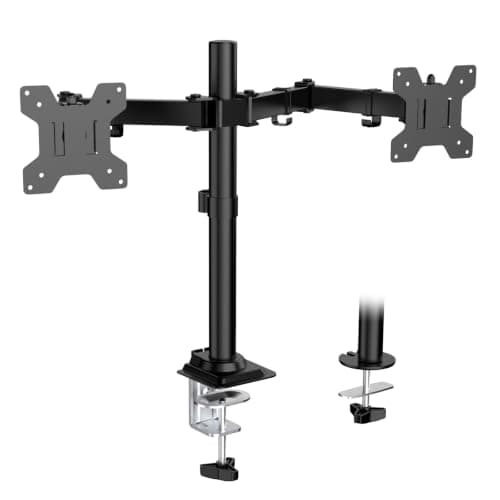
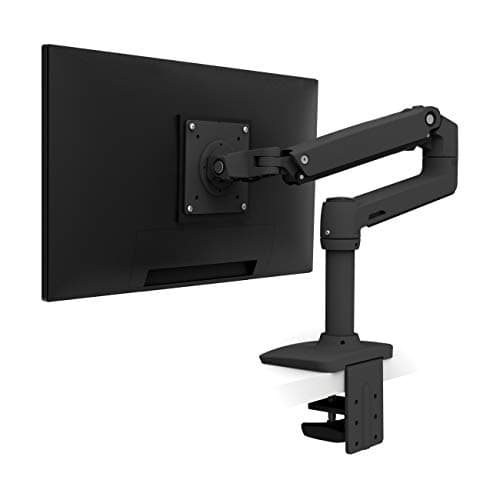
Buy the Ergotron LX. Its constant-force lift holds any position with no drift, it moves with one finger, and it carries a 10-year warranty on hardware you will adjust thousands of times. If your monitor is light and your budget is tight, the HUANUO single mount does the important job for far less; for two screens, the WALI dual stand lifts both for the price of one mid-range arm.
An arm is aluminum and steel, so there is no emissions certificate to check — these are judged on stability, range and how well the lift holds. What they buy you is not a spec; it is the height of your screen, and that turns out to be the single most valuable ergonomic change at a standing desk.
Eye level is the neck fix
When you stand, a monitor sitting on the desk is too low, so you tip your head forward to see it — and a forward-tilted head loads the neck far more than a balanced one. Raising the top of the screen to roughly eye level lets your head sit over your shoulders, which is the posture your neck is built for. This is why an arm often does more for standing-desk neck strain than any other single purchase; our guide to desk-related back and neck pain walks through why head position drives so much of it. If you have not dialed in the desk height itself yet, start with the right standing desk and then lift the screen on top of it.
Gas-spring versus constant-force
Two lift mechanisms dominate. A gas-spring arm — the HUANUO and Amazon Basics here — uses a pressurized cylinder you tension with a screw; it is smooth and affordable, but the tension can drift over months and need a re-adjust. A constant-force arm — the Ergotron LX — uses a mechanical spring that holds position indefinitely and moves with a fingertip, which is why it costs more and lasts longer. For a screen you raise and lower between sitting and standing all day, that difference is felt; for a set-and-forget screen, a gas spring is plenty.
If you have not yet decided between an arm and a plain riser, that is the prior question and it turns on three checks — whether your desk raises, how deep it is, and whether your monitor has VESA holes at all. We settle it in monitor arm vs monitor stand.
Check the weight and size rating before anything else
An arm rated for a monitor lighter than yours will sag or slip out of position, so this number comes first. Match both the weight and the panel size: the VIVO single arm reaches to 38 inches for ultrawides that most budget arms top out below, while the WALI dual is best kept to lighter, standard-size panels. A heavy monitor on a light arm is the most common regret in this category — read the rating, not the picture. If your screen is a 34-inch ultrawide or anything heavy, the published-ceiling comparison is at monitor arms for ultrawide and heavy monitors.
The arm is part of the standing setup
Getting the screen up pairs with getting the keyboard down: elbows at about 90 degrees, screen at eye level. That is the same neutral posture a split ergonomic keyboard is chasing, and the two changes compound. An arm also frees the desk surface, which matters more when you are standing and want room to shift and move.
The one thing an arm cannot do is tell you where to put the screen once it is mounted. There are three published numbers — height, viewing angle and distance — and they interact, which is the subject of how high should your monitor be.
How to pick a monitor arm
Weight rating comes first, always
Find the weight of your monitor (the manufacturer lists it) and buy an arm rated comfortably above it. An arm at the edge of its rating drifts and sags; one with headroom holds firm for years. This single number rules out more arms than any other.
Then check panel size and VESA
Most arms fit the standard 75x75 or 100x100 VESA hole pattern on the back of the monitor. Confirm yours has it, and check the size range — ultrawides need an arm like the VIVO that reaches to 38 inches, not a 32-inch-max budget mount.
Constant-force if you move it, gas-spring if you leave it
If you sit and stand through the day and reposition the screen with each change, the Ergotron constant-force lift earns its price by never needing a re-tension. If the screen goes to eye level once and stays, a gas-spring HUANUO or Amazon Basics does the same job for less.
Clamp or grommet
Most arms mount with a C-clamp on the desk edge or a bolt through a grommet hole. A clamp is simpler and needs a desk edge you can reach behind; a grommet is sturdier if your desk has a hole for it. Check your desk depth and edge thickness before ordering.
Set the height with your posture, not the desk
The target is the top of the screen at or just below eye level when you stand tall. Our posture guide covers the exact angles; an arm just makes hitting them possible on any desk.