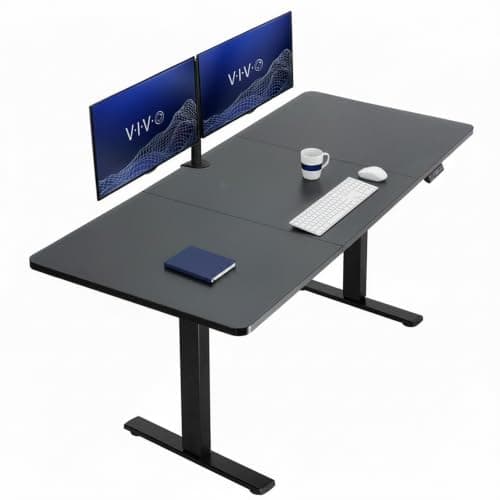
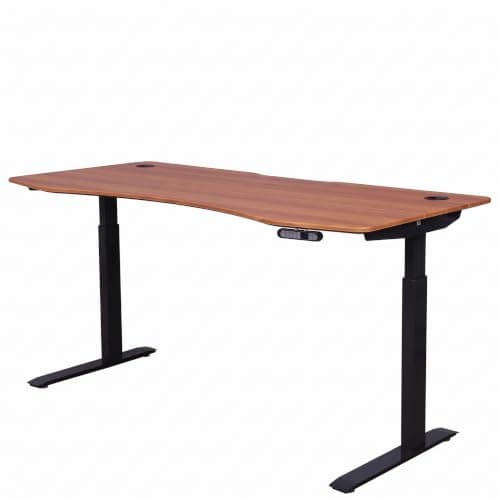
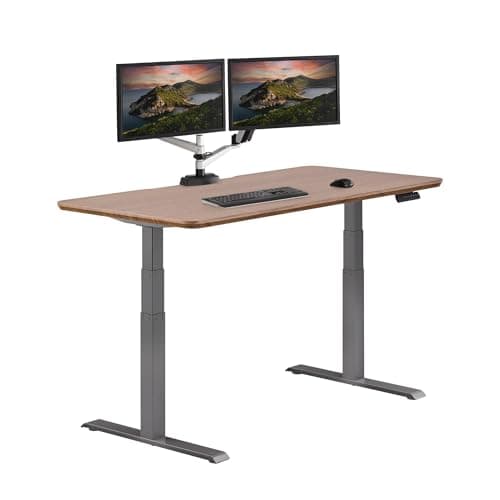
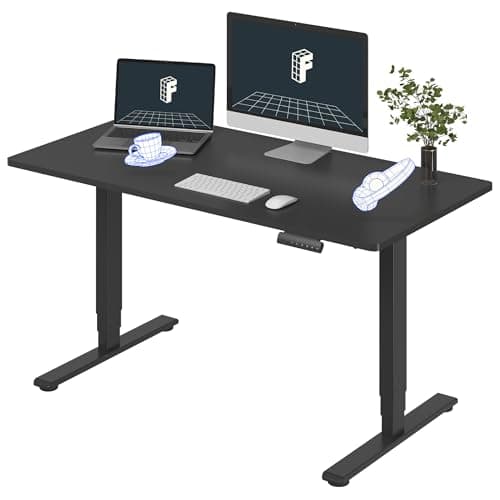
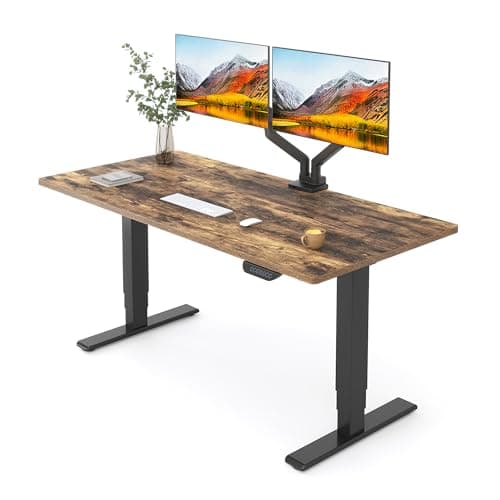
Buy the FlexiSpot E6 MAX. Its 3-stage legs give it more travel than the 2-stage frames tall users usually end up with, and the 330-pound rating means the extra leg extension does not come at the cost of a wobbly top. If you are tall, leg stage count is the spec that matters — more than the motor count, more than the top. Below it, we rank on the same logic: travel first, then stiffness at the top of that travel.
Work out your number before you shop
The standing-desk height you need is roughly your elbow height standing — for most people a little over 60% of total height. At 6'4" that lands around 46–47 inches; at 6'6" it is closer to 48. A large number of budget desks top out at 48 incheswith the desktop on, and a meaningful number stop at 46. That is why so many tall buyers end up typing with their shoulders shrugged, having bought a desk that technically adjusts.
Run your own number through our standing-desk height calculator before you look at a single listing, then treat that figure as a hard filter. If a desk's published maximum is not comfortably above it, nothing else about the desk matters. The same logic runs in reverse for shorter buyers, where the published minimum is the filter and most desks fail it — that list is standing desks for short people.
Two-stage versus three-stage legs is the whole game
A desk leg is a set of nested tubes. A 2-stage leg has two; a 3-stage leg has three. More segments means more total extension from the same collapsed height — and, just as usefully, a shorter unsupported span at any given height, because each segment overlaps the next.
- 3-stage (E6 MAX, ApexDesk, Vari): more travel at both ends, and generally stiffer at full extension. This is the tier tall users should be shopping in.
- 2-stage (most budget desks): cheaper, and fine if your target height is under about 45 inches. Above that you are asking the frame for its last inch, which is exactly where wobble lives.
Height is only half of it — depth and width matter more when you are tall
Long arms need a deeper desk. If you sit a 27-inch monitor on a 24-inch-deep desk, a tall user ends up with the screen closer than arm's length and the neck angle to match. Thirty inches of depth is the number to aim for, which is one of the reasons the VIVO 71×30 and the Vari 60×30 rank here and the small-space desks do not. The full width-and-depth reasoning, including what a 24-inch top can and cannot do, is in what size standing desk do you need.
Width helps in a different way: a wider top gives a monitor arm somewhere to clamp that is not directly behind your keyboard, which lets you push the screen back to the distance your arms actually want. A monitor armis close to mandatory equipment for a tall user, because it is the only practical way to get the top of the screen up to a 6'4" eye line.
The stability trade you cannot avoid
Every inch of extra height is an inch of extra lever. A desk at 48 inches wobbles more than the same desk at 42, always — this is geometry, not brand quality. What a good frame does is start from a stiffer base so that the wobble at your working height is still acceptable. That is why we rank the heavier, higher-rated frames first here even though most tall users will never put 330 pounds on a desk: the rating is a proxy for how much steel is in the legs.
If your desk is already too wobbly at height, that is often fixable without replacing it — see how to fix a wobbly standing desk, which goes through the five causes in the order they are worth checking.
The rest of the workstation has to scale too
A tall user who fixes the desk and nothing else usually still ends up with neck pain, because the monitor is the thing that was never high enough. Budget for the arm. And when you sit — you will, and you should — the chair needs a seat height and a seat depth that suit long femurs, which most budget chairs do not offer. Our office chair roundup flags seat depth adjustment where it exists, because for a tall sitter it is the adjustment that matters most.
How to buy a standing desk when you are tall
Filter on published maximum height first
Get your elbow-height number, add nothing for optimism, and reject anything whose published maximum does not clear it. Check whether the quoted maximum includes the desktop — some makers quote the frame alone, which adds about an inch of good news you should not count on.
Insist on 3-stage legs
Three segments give you the range without forcing the frame to its limit. A 2-stage desk run at the very top of its travel is the classic tall-user wobble complaint.
Buy 30 inches of depth
Long arms need viewing distance. A 30-inch-deep top lets a large monitor sit far enough back that your neck stays neutral, and it gives a monitor arm room to work.
Add a monitor arm, not a riser
A stacked riser raises the screen a fixed amount and eats desk space. An arm gets the screen to your actual eye height and pushes it back at the same time, which is the combination a tall user needs.
Check the keyboard height separately
Tall people often need the desk lower than they assume while seated, and much higher while standing — the gap between the two is bigger for you than for anyone else. That makes memory presets more valuable, not less: without them you will settle on one compromise height and stop moving.