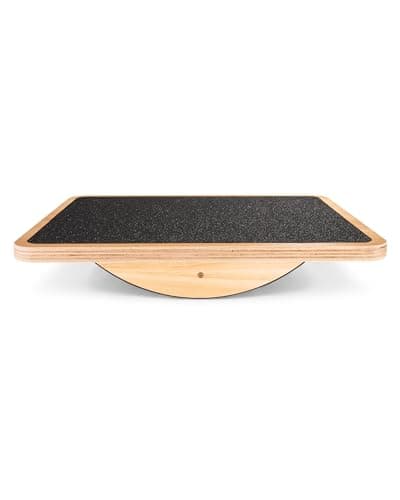
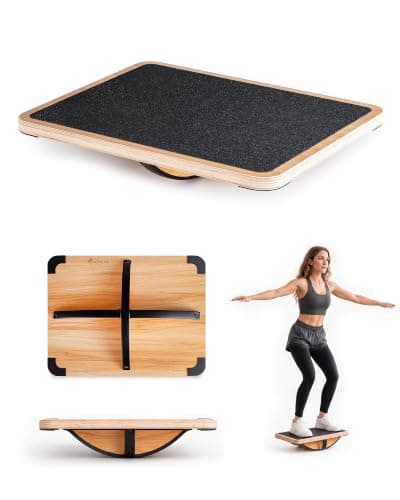
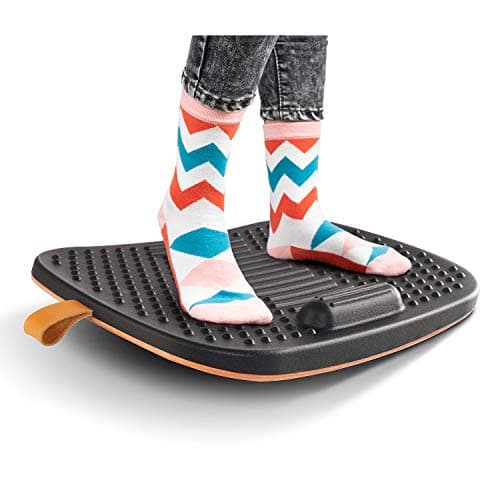
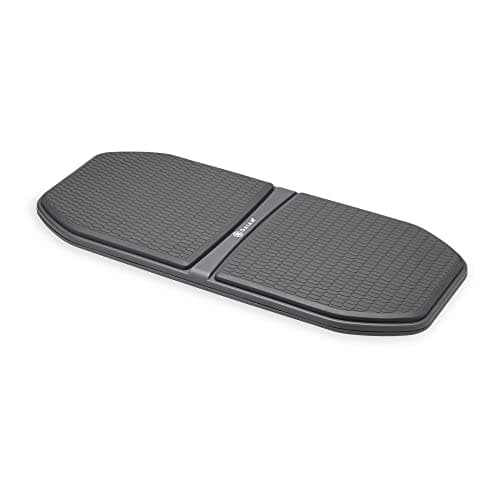
Buy the Gaiam Evolve. It has the motion range tuned for working rather than training — enough to keep your legs engaged, damped enough that you can still hit keys accurately. If you want the same idea in wood, the StrongTek rocker is the better object and the cheaper one. And read the next section before you buy anything: a board and a mat solve different problems, and most people who buy a board actually needed a mat.
A board is not a mat, and buying the wrong one is the usual mistake
These two products sit next to each other in every listing and they treat different complaints.
- Sore heels, aching arches, hard-floor pain? That is a cushioning problem. Buy a mat. Our anti-fatigue mat roundup is the page you want, and no balance board will help — most boards have a hard deck and make it worse.
- Stiff, restless, dead-legged after ninety minutes of standing still? That is a static-posture problem, and it is what a board addresses. Standing motionless is its own stressor — NIOSH has written about the effects of prolonged standing at work — and the mechanism a board uses is simply making motionlessness impossible.
This is also why the best mats already borrow the idea. The Ergodriven Topo is a cushioned mat with sculpted terrain precisely to prompt small position changes; it is the halfway house between these two categories and for a lot of people it is the right single purchase.
Rocker or 360? The specification that decides everything
Boards come in two motion types and they are much further apart in practice than the listings suggest.
- Rocker (single axis). Tilts front-to-back only. Predictable, easy to type through from day one, and it works the calves and ankles continuously. This is the right starting point for almost everyone and the StrongTek rocker is the cheapest good one.
- 360-degree wobble. Tilts in every direction. Recruits more of the lower leg and more stabilizer muscle, and demands genuine attention for the first week — typing accuracy dips before it recovers. Buy this as a second board, not a first one.
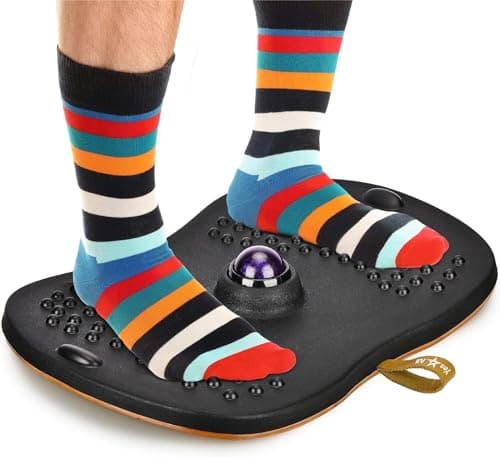
A third type exists: hybrid boards with a cushioned top, like the Yes4All here. They are a compromise at both jobs — less cushion than a real mat, less motion than a real board — and they exist for people who want one object rather than two. That is a legitimate preference and we have ranked one, with the compromise stated on the card.
The safety part, said plainly
You are standing on an unstable surface, at a desk, near hard furniture, often while concentrating on something else. That is a genuinely different risk profile from a flat mat, and this category's marketing never mentions it.
- Do not use a 360-degree board if your balance is impaired — for any reason, including an ankle you do not trust, a vestibular condition, or medication that affects steadiness. A rocker gives most of the benefit with a fraction of the risk.
- Keep it off slick floors. A board on polished hardwood or tile wants a rug or mat under it. Check the base grip before the first use, not after.
- Step off to do anything else. Reaching for a drawer, turning to talk to someone, picking something off the floor — those are the moments people come off a board, not the typing.
- Build up. Twenty minutes at a time for the first week. This is the same gradual-adaptation logic as the sit-stand ratios in our how long to stand guide, and skipping it produces sore calves rather than benefits.
Materials: a short section, because there is not much to say
Balance boards are mostly plywood or molded plastic, and neither raises the questions that foam mats do. There is no soft PVC needing plasticizers, and no stain-resistant coating where PFAS chemistry would live — the two issues our PFAS and PVC explainer covers for mats.
One honest caveat, because it is the kind of thing this site is supposed to catch: laminated plywood is a bonded panel. It is bound with adhesive, and the wooden boards here publish no CARB Phase 2 documentation. It is a very small panel compared with a desktop, but it belongs in the same category as one, and the same unbox-it-somewhere-ventilated habit applies. The hybrid foam-topped boards are the ones with genuinely undocumented material, and we have said so on the card.
What a board will and will not do for you
It will keep your ankles, calves and hips moving through a standing block, which is the specific thing static standing takes away. Many people find that translates into less end-of-day stiffness and a longer comfortable standing stretch.
It will not burn a meaningful number of extra calories, it will not fix back pain caused by a badly set desk, and it is not a substitute for walking. If you want actual movement rather than fidgeting, an under-desk treadmill is a different and considerably more effective machine. A board is the cheap, quiet, small-footprint version of the same instinct.
A board only works while you are standing, which is the catch if most of your day is seated. The seated equivalent is an under-desk bike or elliptical — same idea of keeping the legs moving, applied to the posture you are actually stuck in.