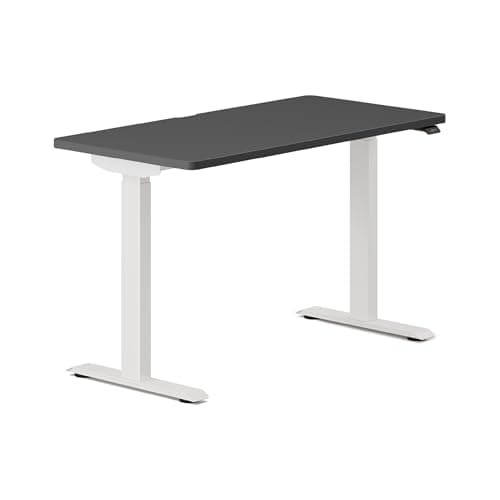
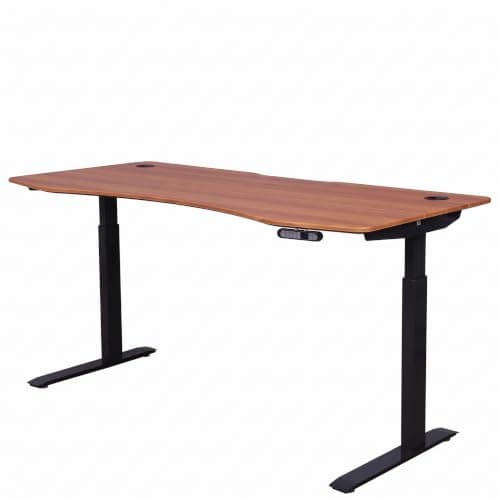
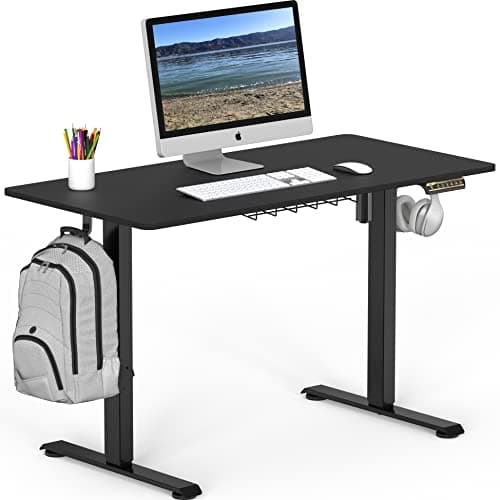
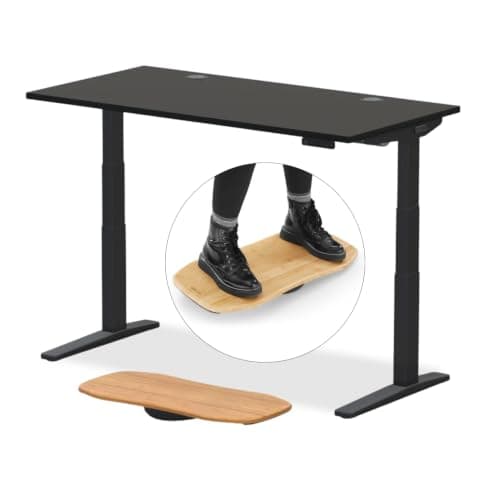
Add up what you actually put on a desk — two monitors, a laptop, a dock, speakers and your forearms — and you land between 40 and 80 pounds. Every desk on this page clears that several times over. So the rating is not a strength question, it is a proxy for how overbuilt the frame and motors are, and an overbuilt frame is the one that stays still at standing height. Read it that way and it becomes genuinely useful.
What the published number actually measures
On an electric sit-stand desk the figure quoted is almost always a lift capacity: the load the motors are rated to raise through the travel. That is a different claim from a static load — what the desktop can hold while standing still — and a very different claim from a certified load, which would mean an independent laboratory tested it to a published standard.
The three get conflated constantly in listings, and the distinction matters because the failure modes differ. Overload the motors and they stall, judder, or run out of sync so one leg lags and the top tilts. Overload the desktop and it bows in the middle — which is not a motor problem at all but a function of span and top thickness. A number on a listing rarely tells you which of those it refers to.
Which of these numbers is third-party tested? Almost none
The standard that would settle it is ANSI/BIFMA X5.5, the American National Standard covering desk products, which tests load, stability, durability over tens of thousands of cycles and safety features like anti-pinch. Of the desks in our catalog, UPLIFT is the brand that states its frames are tested to X5.5-2021 (and to G1-2013 for ergonomic compliance), and Vari publishes a per-SKU certification table with an ANSI/BIFMA column you can open and read. Everyone else publishes a manufacturer figure with no test named.
That is not automatically dishonest — a manufacturer rating from an established brand with a long warranty carries real information. But it is a self-assessment, and the wording is worth reading closely: "meets BIFMA standards" is a claim a company makes about itself, "BIFMA tested" can mean an internal test nobody audited, and only a named certificate against a named SKU is a certificate. We take that apart properly in BIFMA explained and rank the desks that publish anything checkable in BIFMA-certified standing desks.
The published range, and what to read into it
Across the desks we track, published ratings run from 154 lb at the budget single-motor end to 355 lb at the top, and the spread correlates with exactly the things that predict stability:
- 355 lb — UPLIFT V3. Dual motors, three-stage legs, a 15-year warranty and the X5.5-2021 testing statement. The highest published figure here and the only one attached to a named desk standard.
- 275 lb — Branch Duo(and FlexiSpot's E6 frame page states the same figure). Branch pairs it with a stated 28 to 47.3 inch range and a ten-year warranty.
- 235 lb — ApexDesk Elite. Dual motor, a 60-inch curved top, four presets. A mid-range figure from a mid-range desk, which is about right.
- 154 lb — SHW single-motor. The floor, and instructive: a single motor driving both legs, and a rating that a heavy solid-wood top plus three monitors could genuinely approach. Fine for a laptop and one screen, and honest about being that.
Note the pattern. The desks with the high numbers are the desks with two motors, three leg stages and long warranties — so the rating is largely a summary of the specs that already matter. If you only remember one thing: dual motor beats single, three stages beats two, and the load rating is the shorthand that usually tells you which you are looking at.
When the number genuinely constrains your purchase
Three cases, and outside them you can stop worrying about it.
A heavy aftermarket top. This is the real one. A solid hardwood or butcher-block desktop can weigh 80 to 120 pounds on its own before you put anything on it, and buying a bare frame to pair with a slab is a popular route to sidestepping the composite-panel emissions question entirely — see frames and MDF vs solid wood. Check the frame rating against the top's shipping weight plus your equipment.
Three or more monitors, especially on arms. Not for the weight — a monitor is 10 to 20 pounds — but because a clamp-mounted arm converts a static load into a cantilevered one that levers on the rear edge every time the desk moves. Our dual monitor arms page covers the clamp-depth and top-thickness requirements that go with that.
Anything that involves you leaning on it.People lean on desks, and a desk at standing height with a person's weight on the front edge is the loading case nobody specifies. That is a stability question rather than a capacity one, and it is where three-stage legs and properly leveled feet earn their keep — the order to work through is in how to fix a wobbly standing desk.
Reading a capacity figure properly
1. Add up your real load once, then forget it
Two monitors, a laptop, a dock, a lamp, speakers and forearms come to roughly 40 to 80 pounds. Write the number down, confirm the desk clears it by a wide margin, and move on to the specs that actually differ.
2. Ask whether the figure is lift, static or certified
Three different claims. If the seller cannot say which, assume it is a manufacturer lift figure — useful as a proxy for how overbuilt the frame is, not as a guarantee.
3. Weigh the desktop if you are buying a frame
This is the one case where the rating binds. A solid-wood slab can be 80 to 120 pounds by itself. Use the shipping weight from the top's listing and add your equipment before choosing the frame.
4. Treat the warranty as the real durability signal
Ten or fifteen years on frame and motors is a manufacturer betting on its own failure rate. One year on "manufacturing defects" is a returns policy. That difference tells you more about longevity than any capacity number.
5. Level the feet on day one
Almost every desk ships with adjustable feet and almost nobody uses them. Ten minutes with a spirit level removes the most common source of the wobble people later blame on an inadequate frame — and if the floor is carpet, read standing desks on carpet first.